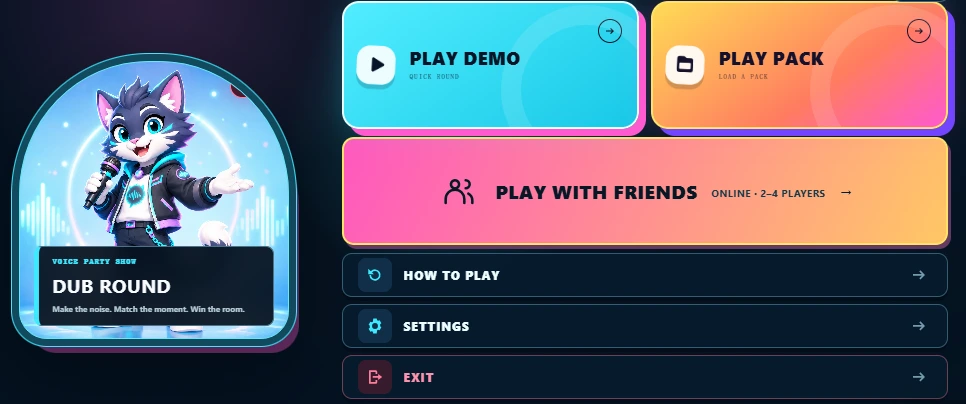
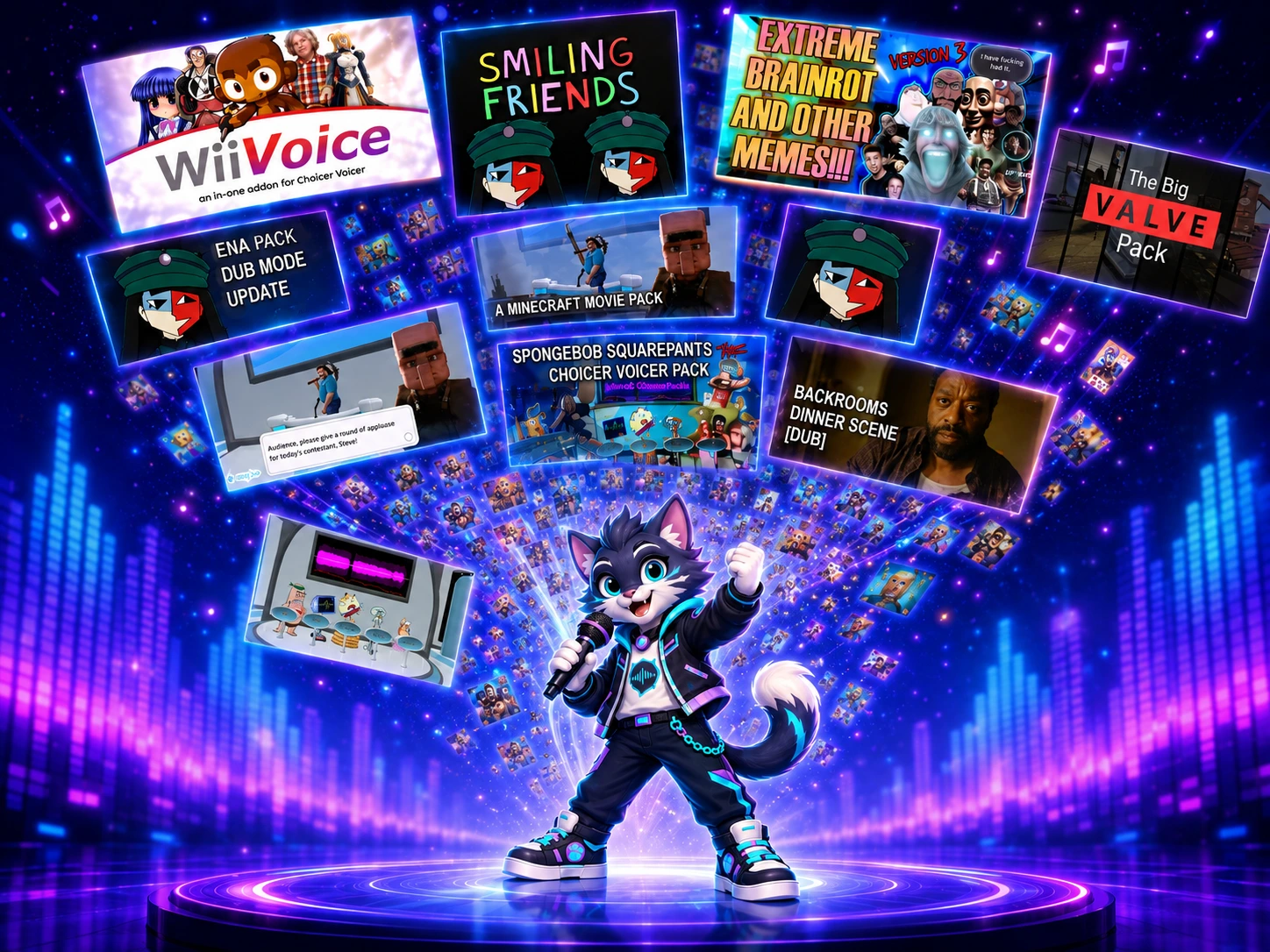
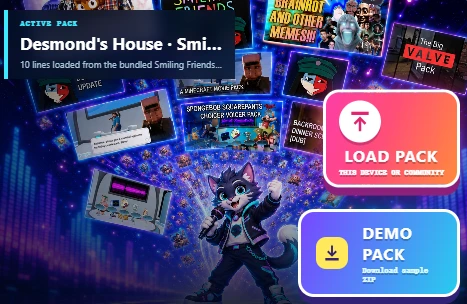
Start with Play Demo to learn the controls, choose a community Pack, or bring your own ZIP. For a shared-device party, add your players before entering the studio.
Roundy's tipFirst time? Try a short Demo before a full collection.
0 of 4 steps checked · this guide does not track game progress.
ONE STAGE. YOUR WAY TO PLAY.
Make the next round your own.
Play in your browser. Pick a scene, bring friends into the challenge, or make the next Pack from your own video.
ONLINE · 2–4 PLAYERS
Same Pack. Different performances.
Create or join a private room, load the same Pack and take turns dubbing. Compare scores and see who leads. You can also share one device for a local party.
Online rooms require an available room service. Scores are for friendly competition; microphones are not streamed.
Choose a video you own or have permission to use. Mark the spoken sections, add captions and preview each cut. Export a reusable Pack ZIP and let friends perform the same lines.
Listen for shape rather than trying to become the original speaker. These dimensions explain the feedback in DubRound; they are not a voice identity test.
Timing
Compare the length and alignment of your take. If the ending is cut short, give the final words room to finish.
Energy
Follow the changes in loudness. A flat delivery and an expressive reference can look different even when they last equally long.
Rhythm
Watch where sound gives way to silence. Match meaningful pauses instead of speaking continuously through a break.
Pitch movement
Follow relative rises and falls where analysis is reliable. Noisy clips and sound effects may not provide a usable pitch signal.
Try a practical comparison: record one line at your normal pace, then retry with more attention to its pauses. Use your own result to compare; there is no guaranteed score increase for a particular trick.
KNOW WHAT YOU ARE LOADING
Voice collections and dub scenes are different
Voice collections
May contain reactions, character clips, judge voices and menu sounds. Preview the individual files and choose a voice segment instead of assuming every file is dialogue.
Can include a scene video, line audio and timing information. Supported files are prepared for the DubRound runtime; original desktop effects and behavior may differ.
The current game export keeps accepted recordings and line data in a Pack ZIP. It is not an MP4 of your voice laid over a finished movie scene.
CHOICER VOICER ALTERNATIVE
Which workflow fits your next performance?
DubRound, The Choicer Voicer and DubBooth are separate products. DubRound is not affiliated with either competitor. The comparison below describes workflow choices, not a claim that one product has every feature of another.
Workflow comparison · competitor descriptions checked September 16, 2026
Workflow
DubRound
Other product paths
Where to play
Browser stage with local recording and waveform feedback.
The Choicer Voicer is a separate desktop game. DubBooth also offers browser play.
What to inspect
Available archive audio, artwork and individual previews before selecting a round.
DubBooth presents timed scenes and line-by-line performance.
What to keep
A reusable Pack ZIP containing accepted recordings and line data.
DubBooth advertises MP4 dub export. Export options belong to that product.
Making material
Prepare clips from your own video in a local browser workspace.
DubBooth offers a separate AI video-to-Pack workflow.
Check DubBooth’s current feature description before relying on its export or device support. For DubRound, desktop Chrome and Edge remain the recommended starting point; mobile microphone and decoding behavior can vary.
Before you retry the round
The microphone is blocked or silent
Allow microphone access in the browser’s site settings. Check the operating system input device and close another app if it is using the microphone. Run the local microphone test before returning to the game.
The Pack cannot load
Keep the original archive. Retry the download, check the stated format and size, or import your local file. A known archive URL does not guarantee the source is reachable or every file will decode on your device.
No. Reading supported Pack files does not reproduce the original game’s interface, judges or modes. Inspect what DubRound prepared before starting.
Where do my recordings go?
The basic recording and scoring flow runs locally. Export saves a ZIP on your device. Use the controls in any separate sharing flow to check whether it uploads anything.
Compare your own reference and take
Try the same short line at normal pace, then record it again with a different pause. Keep the reference unchanged. This uses the game's scoring engine (scoring-v0.3); it does not verify who spoke or recognize the words.
Choose your own reference and recorded take. Files are decoded and scored on this device, not uploaded.