Challenge friends in 2–4 player rooms, explore community Packs, or turn your own video into a playable voice challenge. Play a free dub game in your browser: listen to a reference, record your take, and compare your performance.
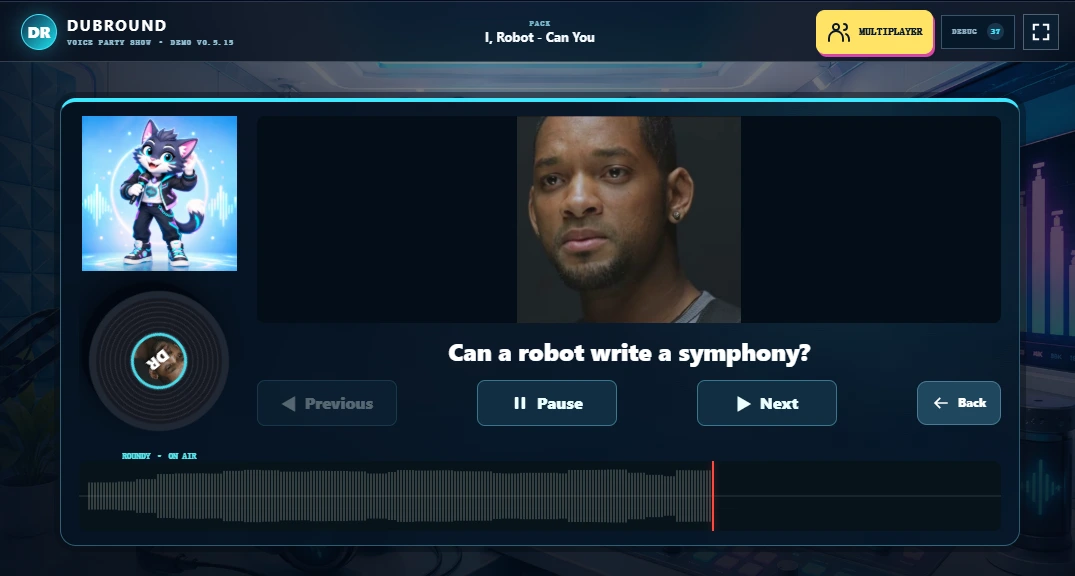
Hear a short reference, record your version, then compare the timing and sound pattern. DubRound is a browser dubbing game for solo practice and voice parties: try the built-in Demo first, then choose a community Pack or turn your own video into playable lines. Use headphones so the reference does not leak into your recording.
Want to change a video's soundtrack instead of matching a voice? The separate video dubbing studio lets you replace selected segments and preview a before-and-after comparison. For game feedback and what it measures, read the DubRound scoring guide.
DubRound is an independent browser dub game: listen to a reference, record your version, and compare your takes. If you came here looking for The Choicer Voicer, our DubRound and Choicer Voicer comparison explains where to find the original game, how the browser experience differs, and what to check before importing a community Pack. DubRound is not an official port or sequel.
A voice game built around your people and your Packs.
Play in your browser. Pick a scene, bring friends into the challenge, or make the next Pack from your own video.
ONLINE · 2–4 PLAYERS
Same Pack. Different performances.
Create or join a private room, load the same Pack and take turns dubbing. Compare scores and see who leads. You can also share one device for a local party.
Online rooms require an available room service. Scores are for friendly competition; microphones are not streamed.
Choose a video you own or have permission to use. Mark the spoken sections, add captions and preview each cut. Export a reusable Pack ZIP and let friends perform the same lines.
A Choicer Voicer alternative for your next voice party
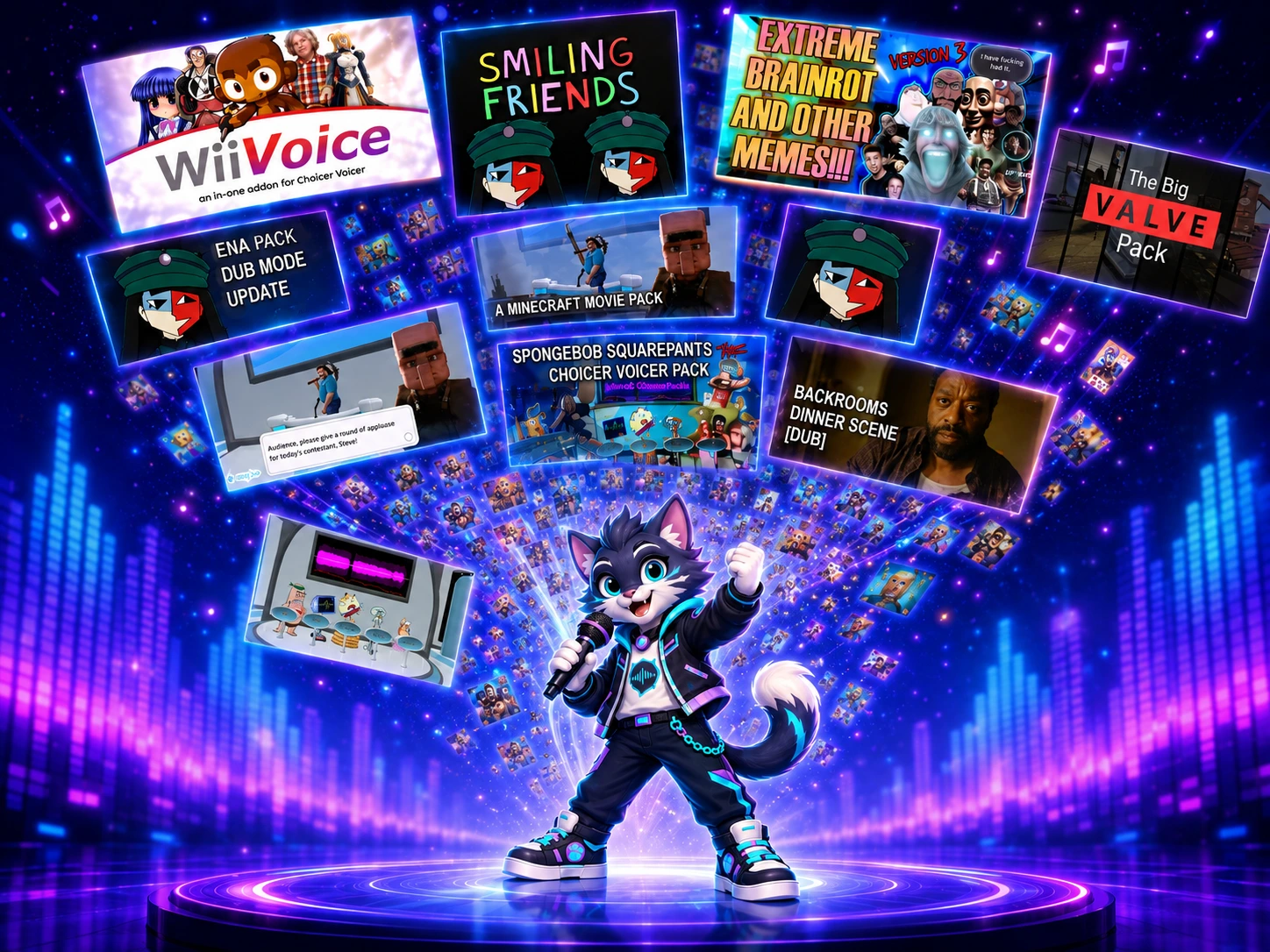
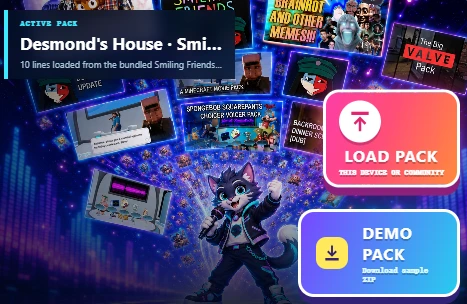
Looking for a new way to enjoy Choicer Voicer-style challenges? Try DubRound with friends: listen, imitate into your microphone and compare your takes. Browse 188 community Pack listings, including supported Choicer Voicer archives, or turn your own video into a playable Pack. Find the clips that fit your group and see who can match the moment.
LESS SETUP
Get straight to the voice challenge
Read a Pack's lines and images before loading it. Choose one line or a full round, with no desktop game installation.
Share a microphone locally, or join a 2–4 player online room when the room service is enabled. Perform the same lines, take turns and compete on a shared scoreboard.
See your overall score alongside timing, energy, rhythm and pitch in a five-axis profile. Silence and clipping checks flag unsuitable recordings, and unreliable pitch is marked unavailable. You get a clearer explanation of your performance, not just a number.
DubRound is an independent game, not affiliated with The Choicer Voicer. Supported Pack audio and scene data can be imported; not every archive variant or original feature is supported. Scores compare audio patterns for friendly competition, not the words you say or your voice identity. Try the same line together and decide which take you enjoy most.
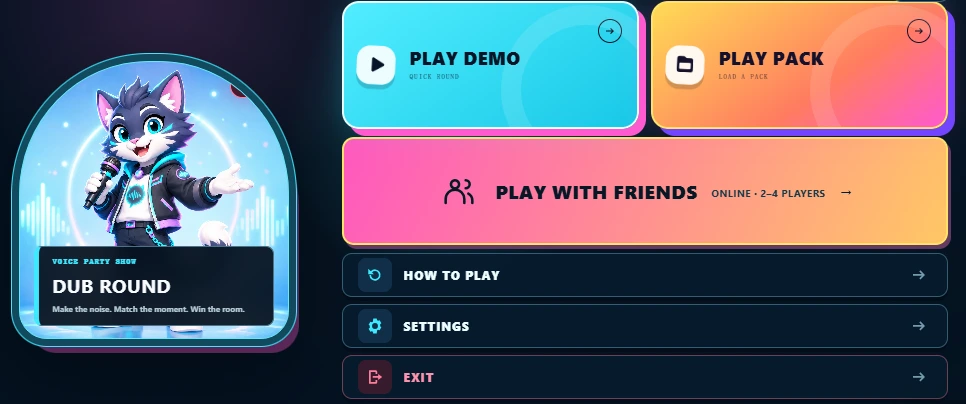
Start with Play Demo to learn the controls, choose a community Pack, or bring your own ZIP. For a shared-device party, add your players before entering the studio.
Roundy's tipFirst time? Try a short Demo before a full collection.
Choose a local party on one device or a 2–4 player online room when the room service is available. Everyone in an online room loads the same Pack, gets ready and takes a turn. Compare scores in the room; this is friendly competition, not a live microphone call.
Can I turn my own video into a Pack?
Yes. Open the video-to-Pack maker, choose media you have permission to use, prepare the spoken clips and captions, then export a Pack ZIP. Import it into DubRound or give the same Pack to your friends for a room challenge.
What is DubRound?
DubRound is a free browser voice game. Listen to a reference, record your take, and compare the timing and sound pattern. A round is one short performance challenge.
Do I need an account or an app to play?
You can start the basic game in your browser without an account or a desktop download. Recording requires a microphone and browser permission.
Can I use Choicer Voicer packs?
DubRound can prepare supported community archives for its own game. Check each Pack's format and preview before playing. Voice collections, menu sounds and timed dubbing scenes are different kinds of content; importing audio does not reproduce every feature of the original desktop game.
What can I export?
Finish a Demo or compatible third-party Pack and choose Export my Pack. Your ZIP includes accepted recordings for replay, score JSON files, five-axis radar SVG images, and the saved attempts from that session, including retakes. It is an audio Pack, not an MP4 video.
Are retakes saved automatically?
Recordings and their scoring results are saved locally in this browser, including retakes. Browser storage is device-specific and can be cleared; export your ZIP to keep a separate copy.
Can I play my own recordings again?
Yes. The takes you confirm and keep become the playable lines in your exported Pack. Import that ZIP back into DubRound to use your own performance as the next reference.
Does my recording leave the browser?
Basic recording and scoring run locally. Export downloads a file to your device. Any separate sharing feature should explain its upload before you choose it.
What if the microphone does not work?
Check the microphone test, allow access in your browser's site settings, and check your system input device. Desktop Chrome or Edge is the recommended starting point; device support should be checked before a long session.