LISTEN · RECORD · COMPARE
Try a voice challenge
Start with the built-in Demo. Hear a reference, record one take, inspect its waveform and score, then retry the same line.
Play DubRound → DubRound · Play, Pack and Dub
Looking for a Choicer Voicer alternative? DubRound is an independent browser voice game where you listen to a reference, record your take, and compare your performance. Start with a demo, then explore community Packs for your next challenge.
This is DubRound, not the original game. For The Choicer Voicer by YeahMaybe, visit the official itch.io listing ↗. We are not affiliated with its author.
A hosted game-show presentation gives the original its own character. These reference images show its welcome, playback prompt and round-result controls. They belong to The Choicer Voicer, not DubRound; they do not show a shared engine or a compatible scoring system.
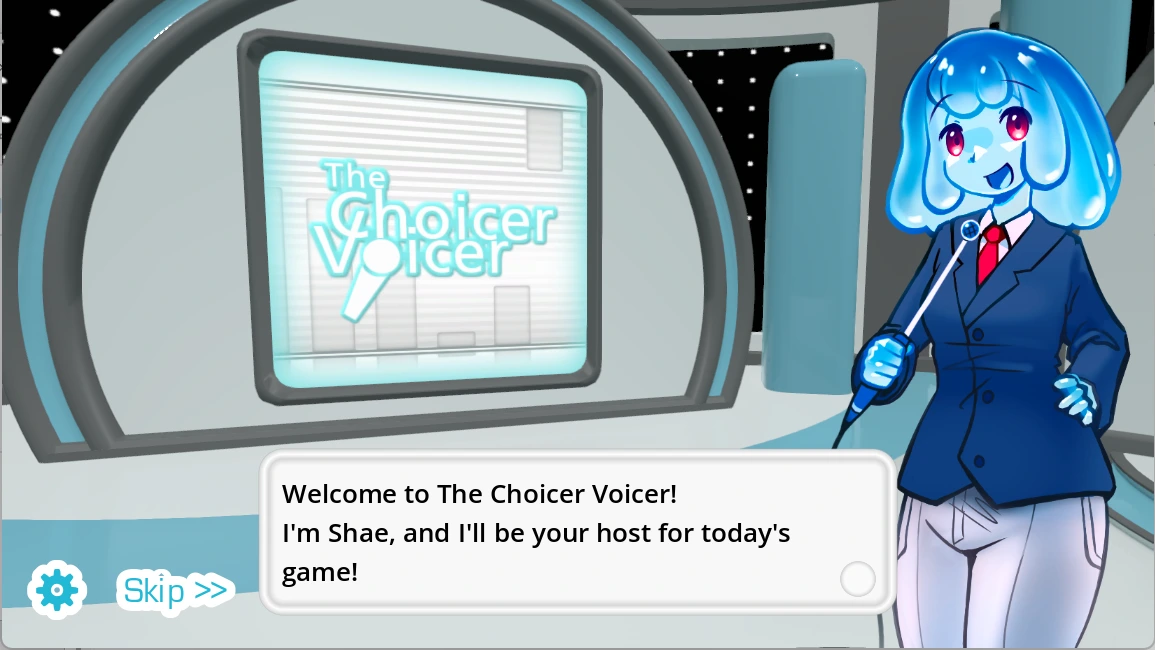
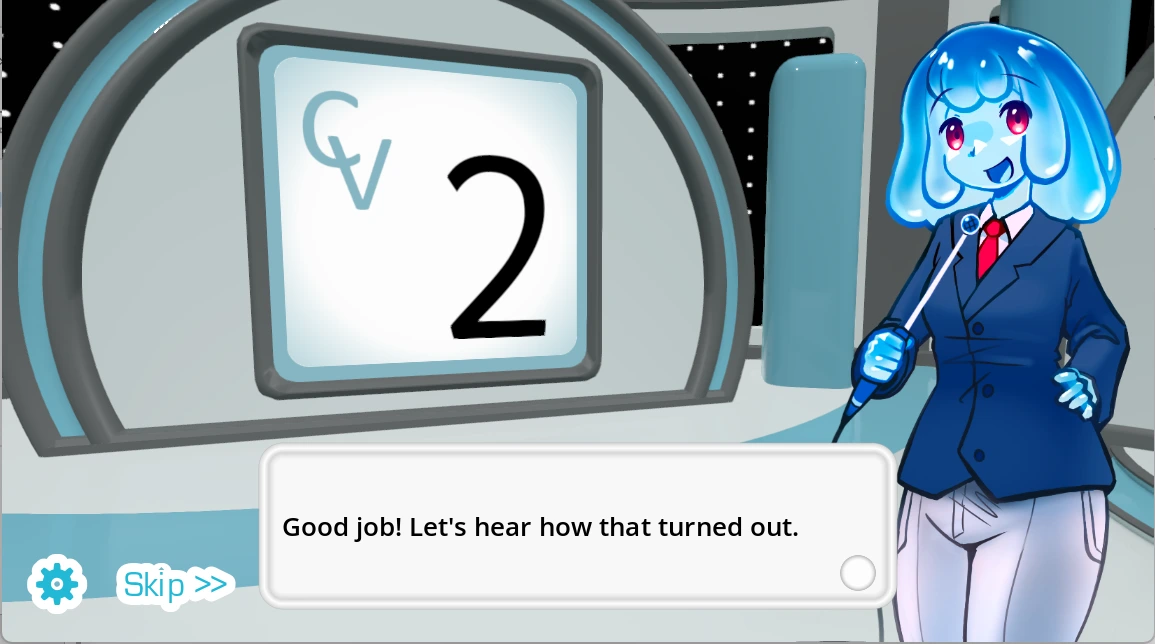
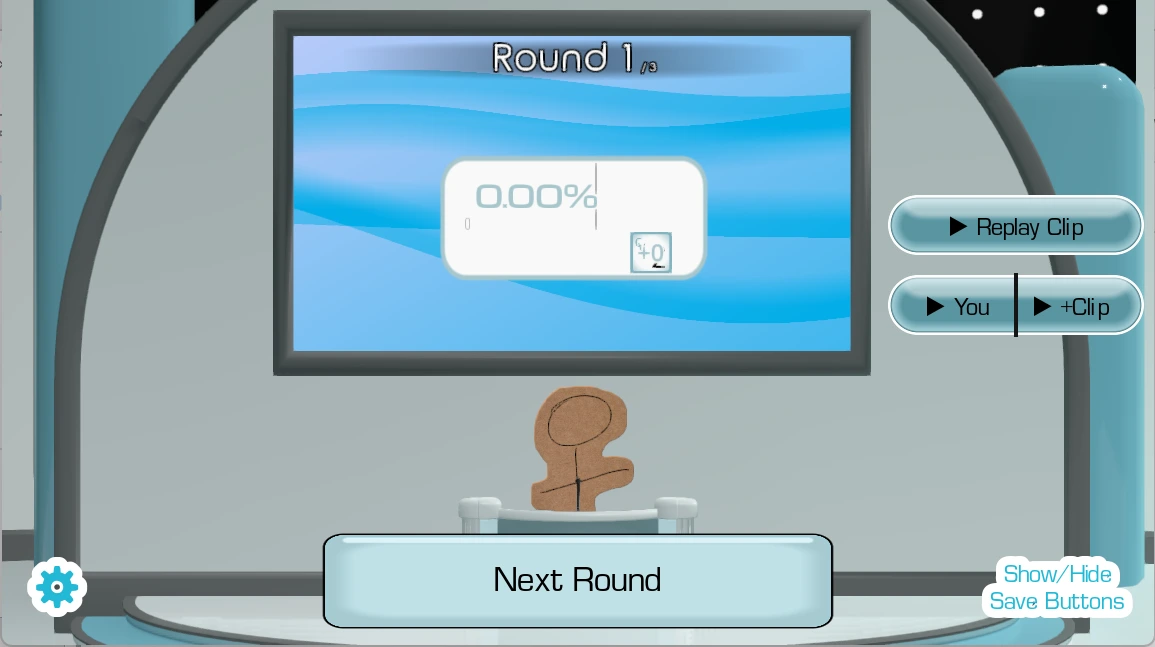
Reference screenshots, not a new test of the latest release. Game and pictured characters belong to their respective creators. For current features and downloads, use the author’s official page.
Start with the built-in Demo. Hear a reference, record one take, inspect its waveform and score, then retry the same line.
Play DubRound →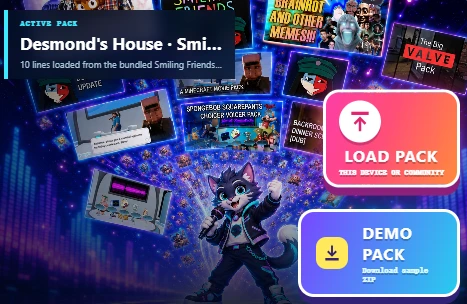
Browse the available captions, images and source details. A character sound collection and a timed scene offer different kinds of practice.
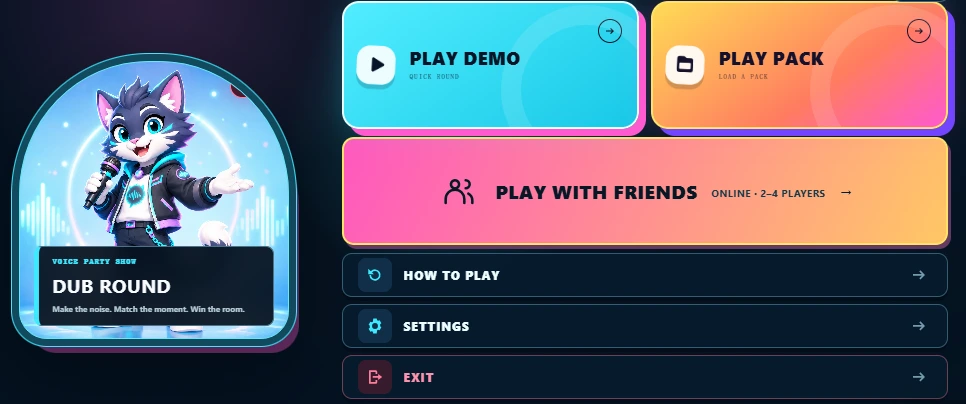
Explore community Packs →Images show DubRound's menu and Pack browser, not The Choicer Voicer. Menu appearance may change as the game is updated.
For the original game and its own customization system, visit The Choicer Voicer by YeahMaybe. To try a separate browser voice challenge, play DubRound. The link opens the game menu; choose Play Demo there to start preparing a round.
DubRound is not the original Choicer Voicer and is not affiliated with its creators. Supported community archives are prepared for DubRound’s own gameplay; compatibility does not mean that every original feature is reproduced.
The original game has its own identity and customization system. DubRound focuses on browser recording, reusable audio Packs and performance feedback. This is a feature comparison, not a claim that one game is universally better.
| What matters to you | The Choicer Voicer | DubRound |
|---|---|---|
| Where to startO1 · D1 | The author distributes a downloadable Windows/Linux game. | Open the browser game and choose Play Demo; recording needs microphone permission. |
| How a round worksO1 · D1 | A vocal-impression game show with its own computer judges. | Listen to a reference, record your take and compare the audio feedback before retrying or keeping it. |
| Play with a groupO1 · D2 | The author lists local play for up to four people and says online multiplayer is not available in the original game. | Local 2–4 player parties; online turn-and-score rooms when the room service is enabled and reachable. This is not a live voice call. |
| Community contentO1 · D3 | Custom voice content, judges, menus, hosts and other game-specific customization. | Supported audio and scene data are adapted for DubRound. Original menus, judges and modes do not transfer. |
| Performance feedbackO1 · D1 | The original game has its own judging rules. | Timing, energy, rhythm and pitch feedback. Unreliable pitch can be unavailable; scores do not judge the meaning of your words. |
| Video dubbingO1 · D4 | The author lists Dub Mode for scene voiceovers. | A separate Video Studio offers local video import, segment replacement and supported-browser MP4 comparison export. The game itself exports an audio Pack ZIP, not a movie. |
Source for the original game: YeahMaybe's official feature description. Check it for later changes. For DubRound room availability and setup, use the multiplayer guide.
Choicer Voicer community Packs vary: some contain character reactions, some contain music or interface sounds, and others include timed dialogue and video. DubRound's directory is a collection of source listings, not a promise that every file is playable or every line has a transcript.
For a ZIP you already have, the Pack ZIP editor offers local editing of supported content. It is ZIP-only; do not rename a RAR or 7z file to ZIP. Check archive-specific loading on its community page.
Try a WiiVoice sound collection, inspect the Think Mark scene cues, or make a Pack from your own video. Only use and share material you have permission to use.
0 / 3 preparation checks · Your checklist only; no archive has been tested.
Find a Pack and review its preview →The following examples come from the September 28, 2026 local audit, not a new October test. The audio harness recorded Headless Chrome 153.0.0.0 on Windows; the page-import check used the local static build and cached original archives.
These checks used simulated input, not a person's microphone. They do not verify every line's recording, full-scene video behavior, MP4 export, the current production download route or mobile compatibility. Review each Pack's existing notes before loading.
Listen for the entrance, pauses and ending of the reference. Use headphones so speaker output does not leak into your microphone. If a Pack will not prepare, try the built-in Demo or check its import notes.
Follow the game’s microphone setup and recording controls. This guide does not request microphone permission. If access is denied, use the microphone test and browser permission settings.
Compare your take with the reference using the available feedback. Scores describe audio patterns, not whether your words are correct. Silence or clipping may prevent a useful result; an unreliable pitch measure can be unavailable.
Replay your take, choose one pause or entrance to adjust, then retry the same line. Keep a take when you want to use it. The scoring guide explains the feedback in more detail.
Interface examples above may differ from the live menu. The player below runs the actual game; your browser and microphone determine whether you can complete a round.
Try the sequence yourself instead of judging by screenshots alone. Open the game below, choose Play Demo, and follow one reference through to feedback. This is a separate browser dub game, not The Choicer Voicer running online.
This is the actual DubRound game, not a simulated score or a video of The Choicer Voicer. Load it when you are ready.
Headphones recommended. Loading the player does not start a recording; follow the game’s microphone controls. If the game stays blank, use the new-tab link. Export work you want to keep before leaving; switching tabs during recording may interrupt the take.
A dub game challenges your performance against a reference. A video editor changes the soundtrack. Use DubRound's Hotel Lobby-style video dubbing walkthrough and studio when you want to record new segments, correct their captions, preview the replacement and export a before-and-after video. It does not generate AI characters or guarantee automatic lip sync.
No. DubRound is an independent browser game, not an official port, sequel or download mirror. The original The Choicer Voicer is made by YeahMaybe; use the author's itch.io page for the original game.
Yes. Open DubRound and choose Play Demo to try its built-in Pack. You need a microphone and browser permission to record. Community downloads, audio decoding and browser capabilities can affect whether another Pack works.
No. An archive format is only the container. DubRound must recognize the file layout and decode the audio. Menus, judges and original game modes are not recreated by importing their files. Check a Pack's own preview and compatibility notes.
The room synchronizes turns, readiness and scores, not a live microphone call. Each player needs the same Pack on their device. Online play also requires an available room service; local parties use one shared device.
We have not run a controlled accuracy comparison. DubRound compares audio features such as timing, energy, rhythm and pitch. Its feedback is for practice and friendly competition; it does not verify words or identify the original speaker.
The game exports a Pack ZIP of accepted recordings and related results. The separate Video Studio replaces selected audio segments and can export a before-and-after MP4 on supported browsers. These are different workflows; video export is not part of importing a Pack.
Open Play Pack in DubRound, or use the local Pack ZIP editor to inspect and edit supported ZIP content. Keep your source archive. A RAR or 7z file cannot be converted by renaming it, and an edited DubRound ZIP is not guaranteed to work in the original game.